NewishPro

One platform,
three kinds of user.

What we built

A real estate platform with separate portals for buyers, agents and administrators.

The hard part

Three audiences on one database, each limited to their own data.

To buy a house is not one job. A buyer searches, saves and calculates what they can afford. An agent controls listings and follows leads. An administrator must see all of it. These are three different products on one database. Most of the work went into the separation between them.

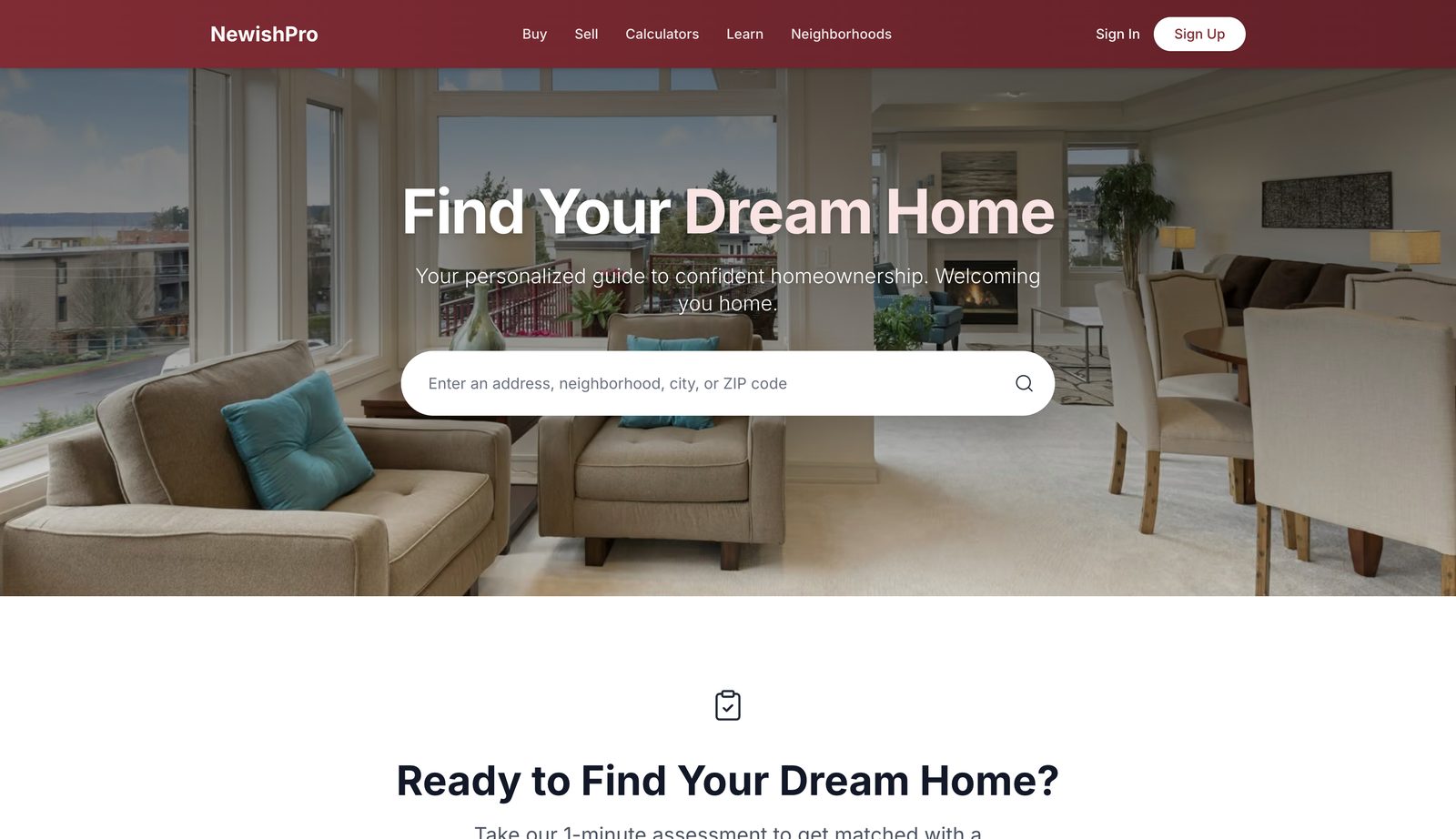
The NewishPro home page with a property search field
The public entry point. Search by address, neighbourhood, city or postal code.
01

Three portals, not three apps

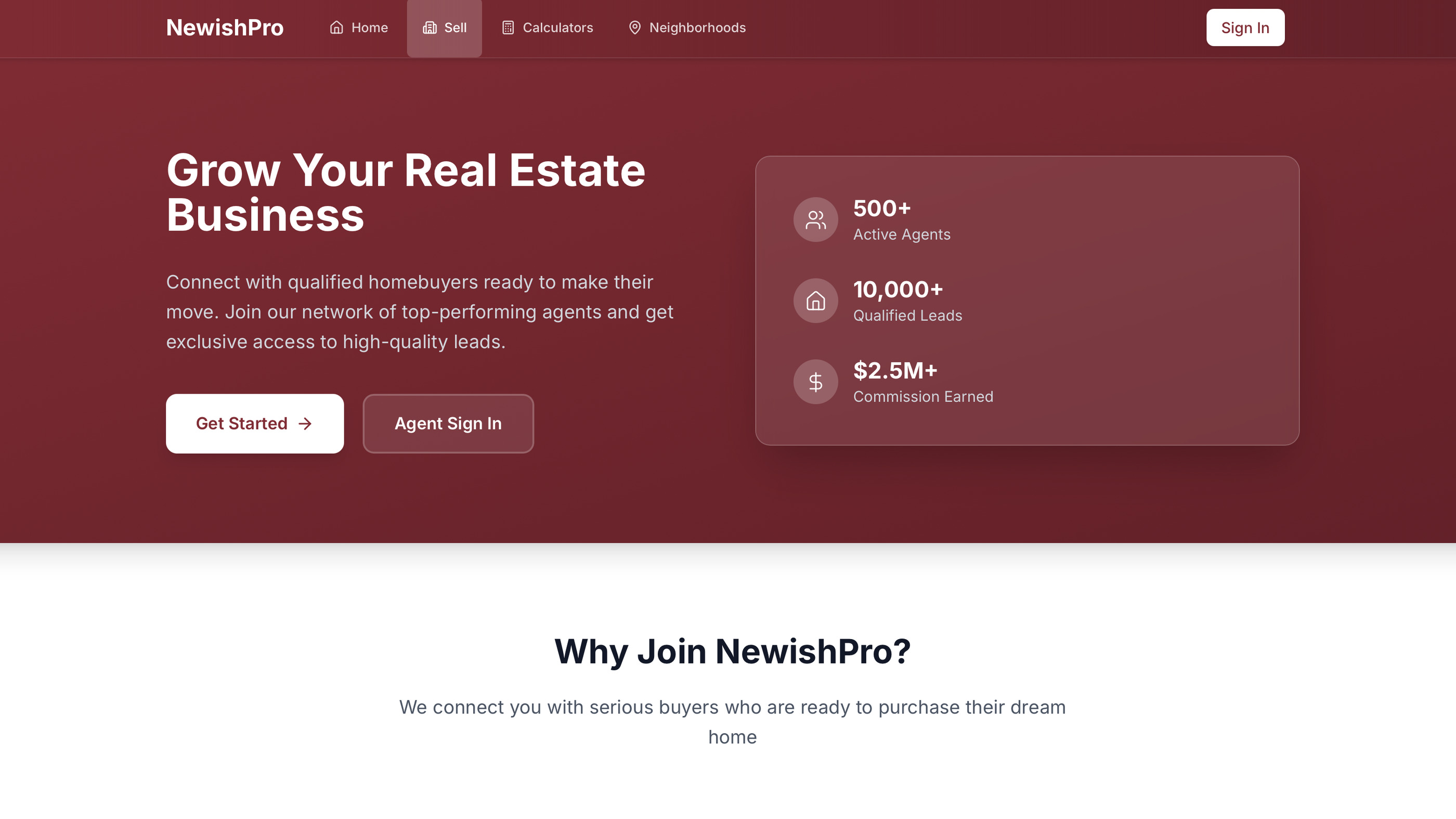
The platform has a user zone, an agent portal and an admin dashboard. Each one has its own route group, its own layout and its own authentication boundary. All three run as one Next.js application on one Supabase project.

Buyers get property search, saved listings, the calculators, the assessment and the courses. Agents control their listings, their leads and their profile. Administrators supervise properties, agents and leads. No person sees the wrong portal.

02

Security in the database, not the interface

The easy method hides the admin buttons and hopes that no person finds the URL. That is not security. One direct request still returns the data.

PostgreSQL row level security controls access. Each table has policies that decide, for each row, who can read it or change it. The policies apply to every query, whatever part of the application sent it. If a buyer requests the saved properties of another buyer, the list is empty. It is empty because the database refused, not because the interface removed the rows.

Why it matters

If the front end controls permission, each new screen and each new endpoint must repeat that control correctly. Row level security applies one time and stays correct for all later code.

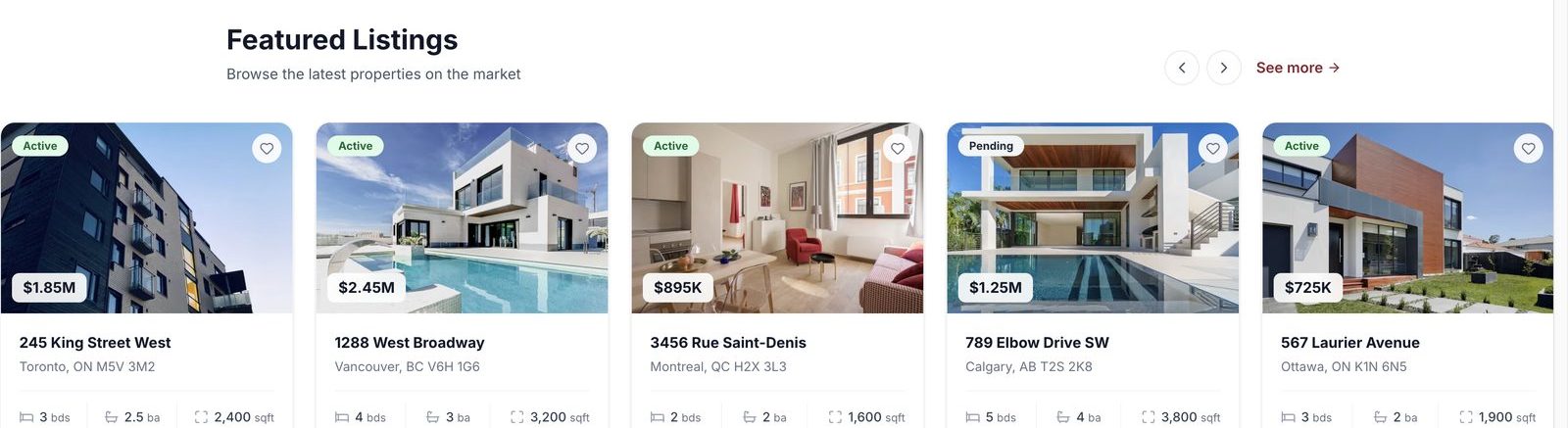
Property listings with price, location and specifications
Listings carry status, price, location and specifications, and can be saved to a buyer's own account.
03

Calculators people will actually finish

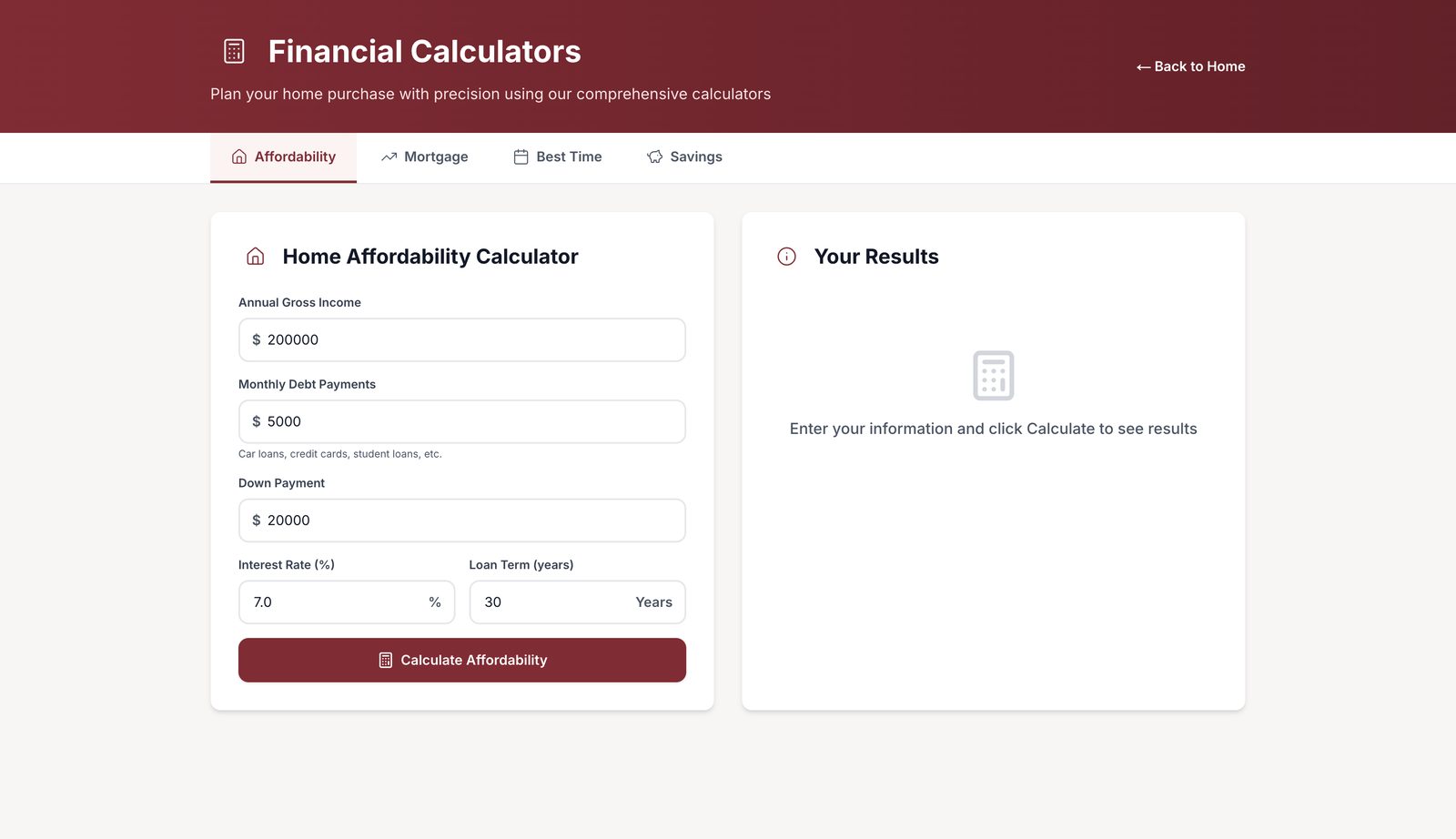
One set of tabs holds four calculators: affordability, mortgage, best time to buy, and savings. The affordability calculator uses gross income, current monthly debt, a deposit, an interest rate and a term. That is enough data for a correct answer.

The platform saves each result to the user account. A buyer who calculates in March can compare that result in June, and does not enter the data a second time.

The NewishPro affordability calculator
Affordability, mortgage, timing and savings, behind one set of tabs.
04

Teaching, not just listing

The platform includes a course system with quizzes, progress records and scores. A first-time buyer makes the largest purchase of their life, and the vocabulary is new to them. A word list does not correct that, but a course does. The platform stores progress for each user, so a person can stop and continue later.

05

The shape of the data

Six core tables carry the platform, each tied back to a Supabase Auth identity:

TableHolds
UserProfileExtended user data linked to the auth identity
UserPreferencesNotification and search configuration
SavedPropertyProperties a buyer has bookmarked
CalculatorHistorySaved snapshots of affordability and mortgage runs
CourseProgressProgression and scores through the course system
QuizAttemptQuiz outcomes, linked to a specific course

The schema is small on purpose. Each table exists because a function needs it, and each one holds the security policies that control access to it.

Need a platform
with real boundaries?

Tell us what you are building.