A furniture website,
built end to end.
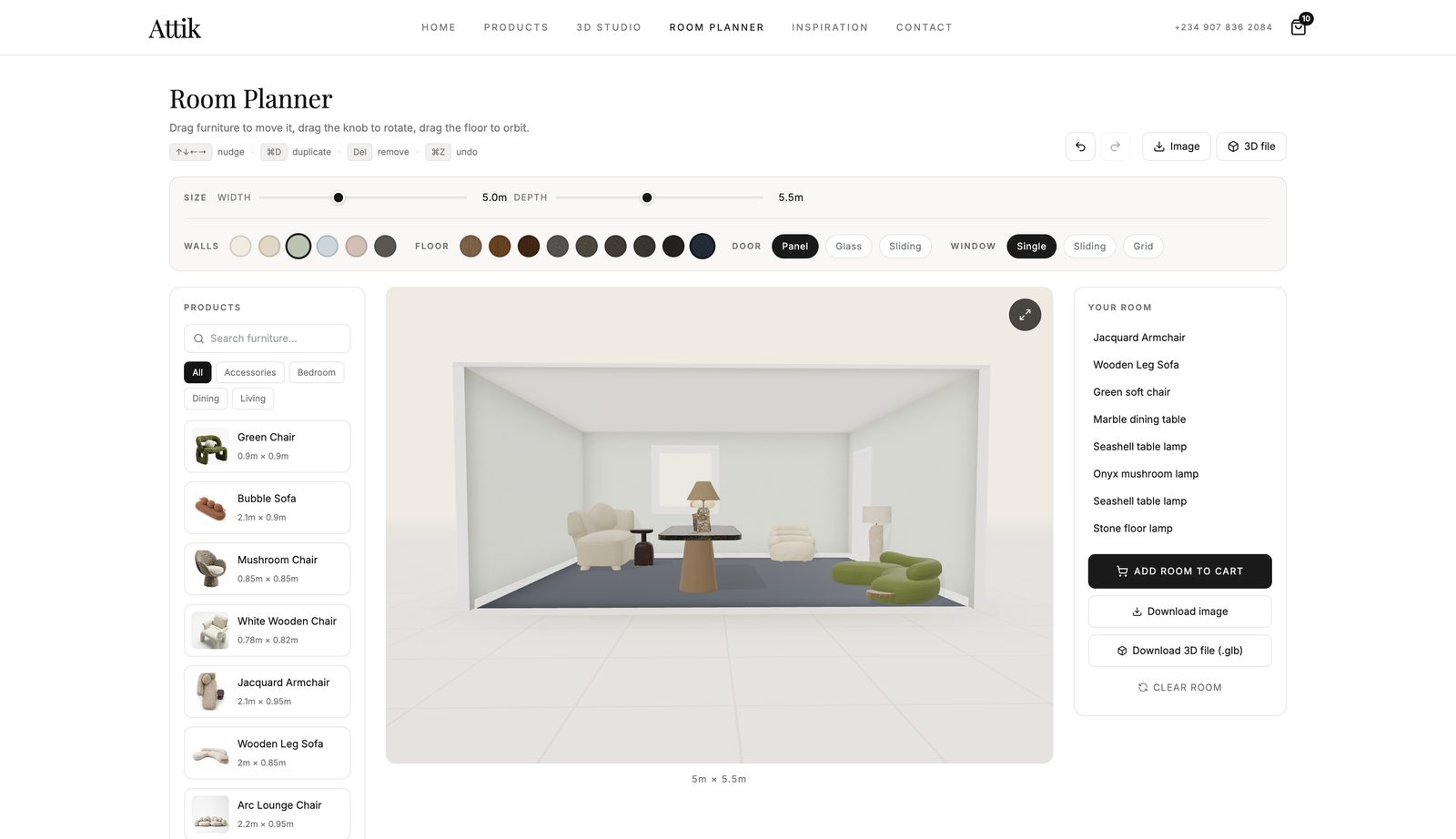
Attik sells furniture. A customer cannot see how a sofa fits a room until the sofa is there. By then the sale is complete. Our planner answers the question first: lay out the room, place the furniture, change the colours, and look from any angle.
The room planner
The planner builds the room in code instead of a fixed model. Walls stand at 2.6 metres. Doors and windows are real openings, and their style can change without new geometry. Furniture snaps to a wall within 25 centimetres and rotates in 15-degree steps.
The component is about 1,650 lines. Most of that length is the parts a screenshot never shows: the selection ring, the collision markers, the export path, and the pointer control.
Why a bounding box was not enough
The planner must know how much floor each piece occupies. This prevents a collision with a wall or another item. The obvious answer is a bounding box. It was wrong.
If you rotate a bounding box, you get the box around the rotated box, not the shape. For a shape that is not rectangular, the difference is large. One sofa fills only 45 percent of its bounding rectangle. At an angle, its computed footprint went far past the sofa, and the sofa could never touch the wall.
The planner computes a 2D convex hull of each model plan one time, with Andrew's monotone chain. It then measures that hull at the current angle. The footprint follows the shape, not the box.
convexHullXZ() and rotatedExtent() in
surfacePlacement.ts. The transform helpers carry unit tests. A sign error puts
objects in the wrong corner of a rotated host, and both dining tables rotate 90 degrees by
default.
What can sit on what
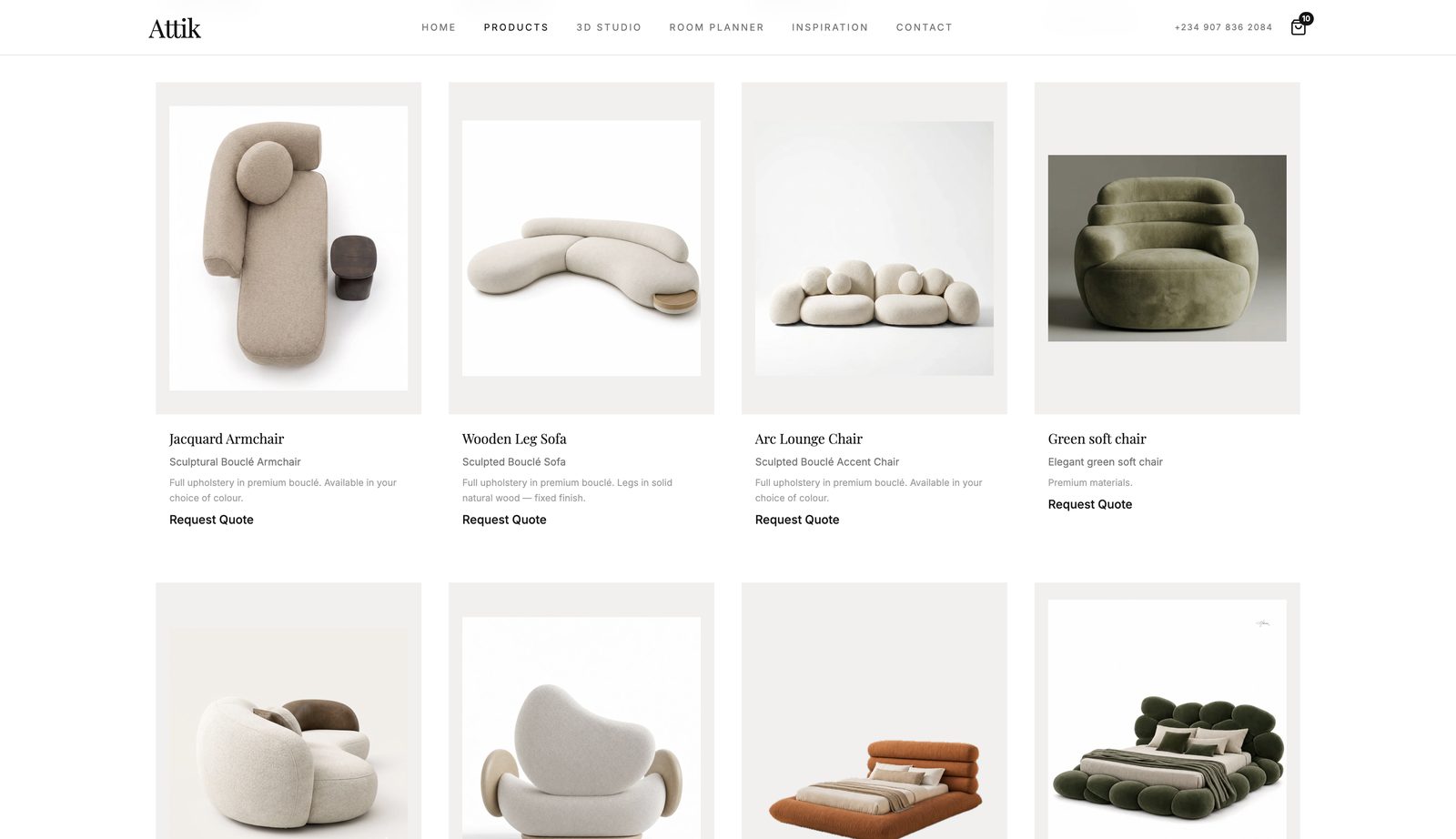
A lamp belongs on a sideboard. It does not belong on a bed. The rule lives in the product data, not in a list of special cases. Each item declares what surface it is, and what surfaces it can rest on. Beds, sofas and chairs are never hosts.
A new product brings its own placement rules with it. Nobody edits the planner to sell a new lamp.
Scroll-driven 3D that costs almost nothing
The home page shows a row of products that change colour as you scroll. The simple method gives each card its own WebGL context and its own render loop. A mid-range laptop then becomes slow.
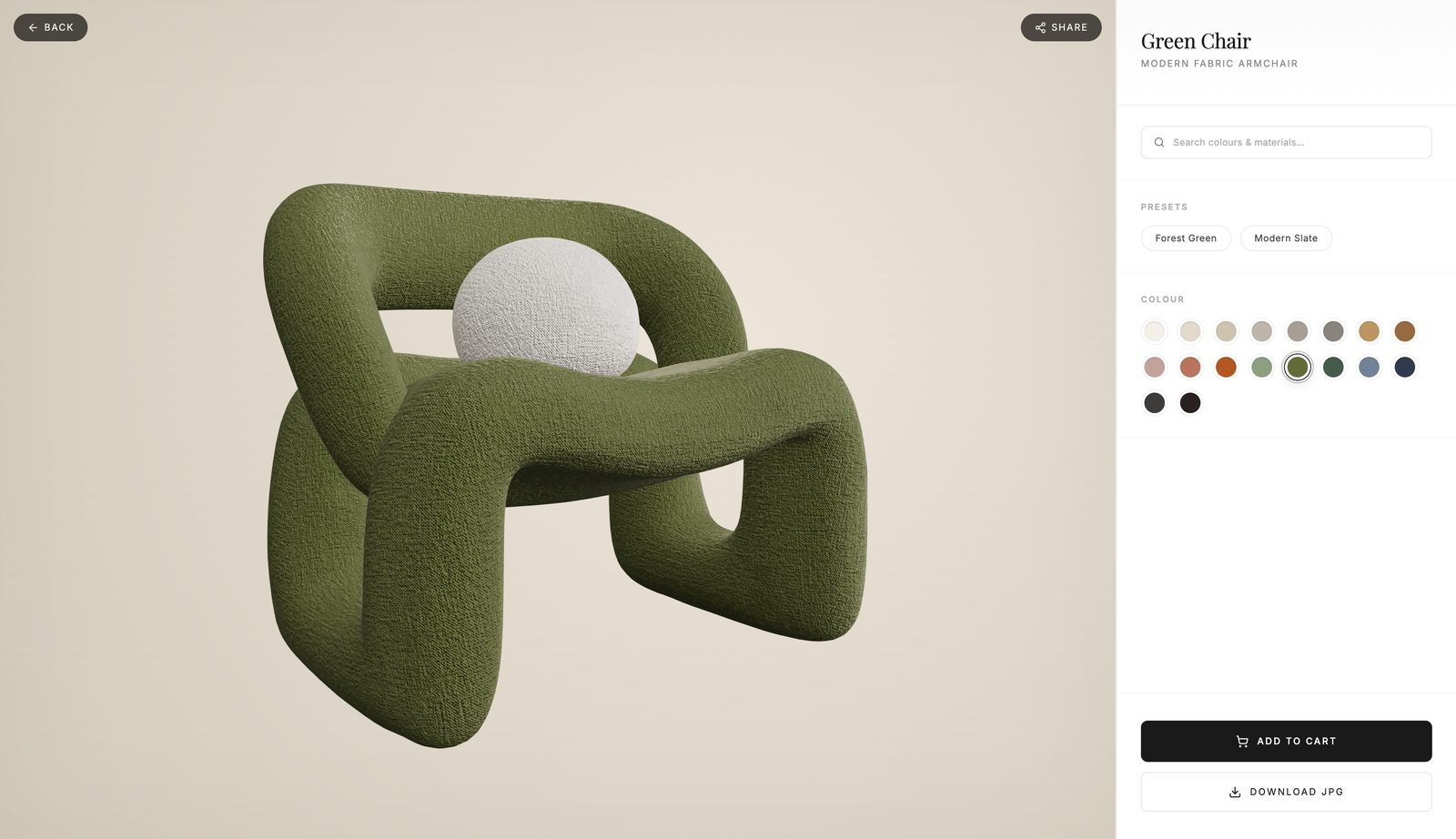
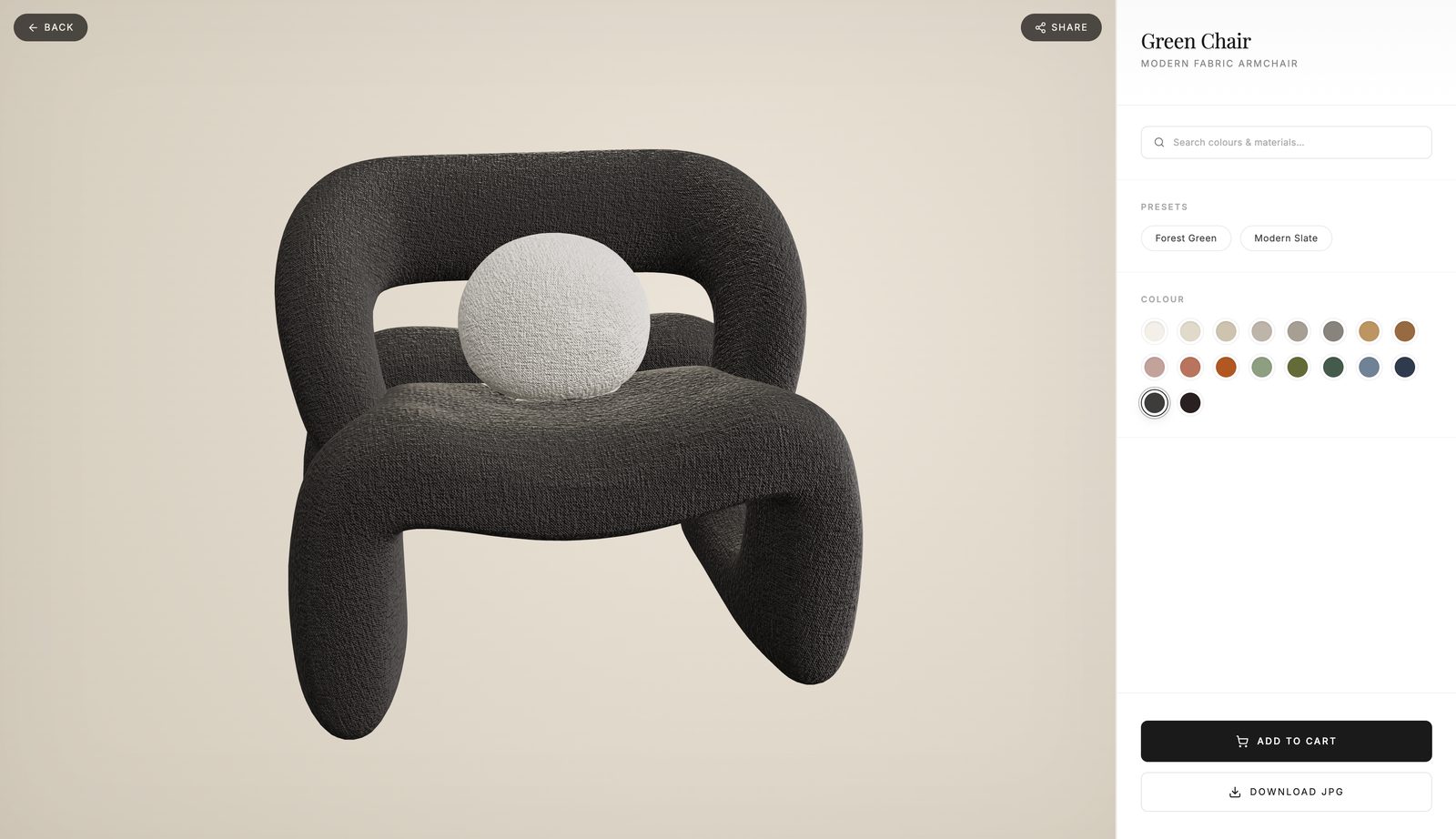
These cards run no render loop. Every card shares one offscreen renderer. For each colour, it draws the product one time at 1000 by 800 and returns a still image. There are no orbit controls and no animation frames. After the images are ready, the section costs nothing on the GPU.
Two details made it correct. A scan of the alpha channel crops each image to the model outline, so the product fills its card. The light starts as one warm-white pixel that acts as an environment map, so a card can render immediately. A studio HDR replaces it on arrival, and each card then draws itself again.
The browser fetches the section, Three.js and the loaders only when it comes within 600 pixels of the viewport. Its height is reserved first, so nothing below it moves.
We read the mesh order from the glTF declaration, not from a scene traverse. Traverse order competes with the Draco worker, so colour zones sometimes attached to the wrong parts of a model, and only on some loads.
Taking the room with you
You can export a finished layout as one 3D file. The export omits each item that exists only for the editor: the ground plane, the contact shadow, the selection ring and the collision markers. It also omits the ceiling, which would close the room into a box. The exporter loads on demand, so it stays out of the planner bundle.
The model below is a real export from that planner.
Drag to orbit, scroll to zoom.
Making a 113 MB room loadable
That export is 113 megabytes. The planner already limits each texture to 1024 pixels, and that works: the images are only 4 percent of the file. The other 96 percent is geometry. It holds 2.2 million triangles, with positions, normals and texture coordinates as full 32-bit floats, and indices as 32-bit integers.
| Stage | Size | Triangles |
|---|---|---|
| Straight from the planner | 113.0 MB | 2,200,516 |
| Welded and pruned | 69.8 MB | 2,200,408 |
| Simplified | 17.7 MB | 484,278 |
| Quantized | 12.6 MB | 484,278 |
| Compressed, WebP textures | 5.2 MB | 484,278 |
The result is 21 times smaller. The lights and the materials stay correct. The merge of duplicate vertices alone removed 38 percent, before we discarded any data.
Where it stands
The planner, the configurator and the storefront run as one application. An admin area behind them controls products, categories and submissions. The parts that are easy to get wrong carry unit tests: the placement maths, the colour code, the mesh order and the checkout.